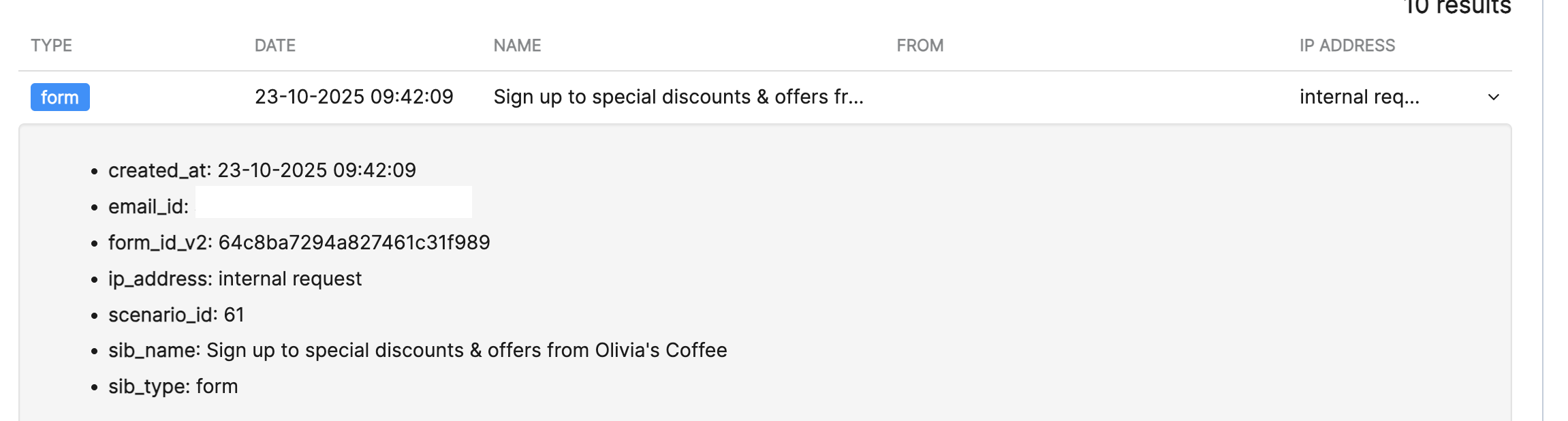
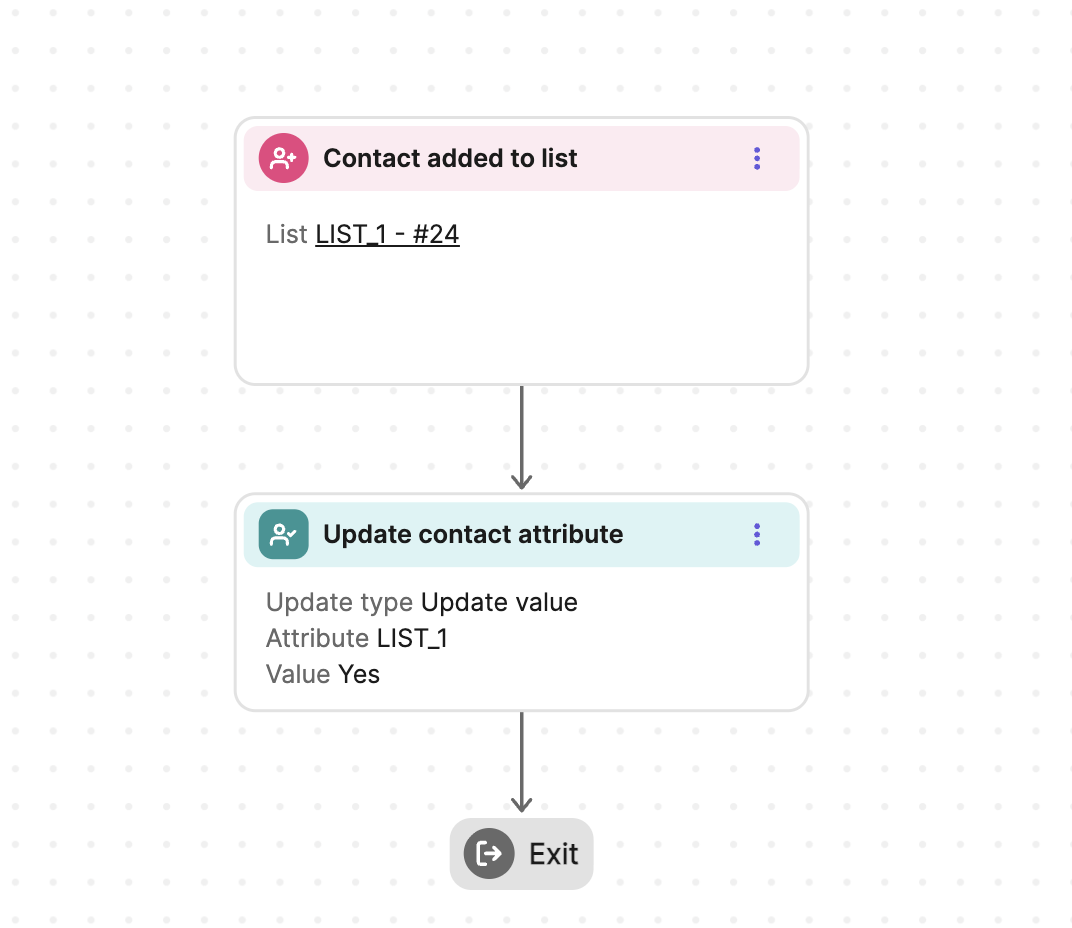
There is already a thread to create a generate new subscriber email notification:
which points to the old doc to automate this (Classic editor):
which points to the new doc to automate this (new Automation editor):
I followed this last link and it’s good to create a notification with information stored in contact, such as email or display name.
However, I use a Multi-list subscription widget in my sign up form in order to let the user subscribe only to topics (lists) they are interested in.
And that’s the information I want to display in the notification email. But since it’s not a field inside the Contact data but rather a group that the Contact entry belongs to, I don’t see a syntax to display it in the Notify by email action.
Basically, I can display parameters in the form of {{contact.ATTRIBUTE}} but the lists are not an ATTRIBUTE.
My only resort is to go higher in the Automation flow in Form submitted and add a Contact filter condition: Member of a list: (list)
but I need to repeat this for every list possible and create as many automations, with a different hardcoded email text every time:
- New contact subscribed to List 1
- New contact subscribed to List 2
- …
Is there a way to just display all the lists a new contact subscribed to?
Do I need to duplicate the list information into a Contact attribute (e.g. in a concatenated string format “List1,List2”) in order to display it? And how can I do this, since I don’t seem to have control over the Multi-list subscription widget to make it a hybrid field that also stores standard Contact field data?
EDIT: I tried to use “What event data to display?” at the end of the Notify by email action parameters, but even after selecting things like “Latest instance of an event” > “Form submitted”, when clicking the {} button Add variable > Event data, it still only shows generic phone Events, coupon Events and deals Events and not the multi-list information I was expecting (looks like Events are a different thing than fields).